Services
Software development
Websites, web apps, and iOS and Android apps, designed, built and supported by one team.
View serviceContent · Video · Motion
UGC-style videos, made by creators or generated with AI, produced video from concept to final cut, and motion design that gives every frame a reason to keep watching. One team plans it, makes it and delivers it in the format each platform needs.
Three ways to make it
Most projects use more than one. A launch might pair creator or AI-generated videos with a produced hero film and a set of animated titles that tie them together.
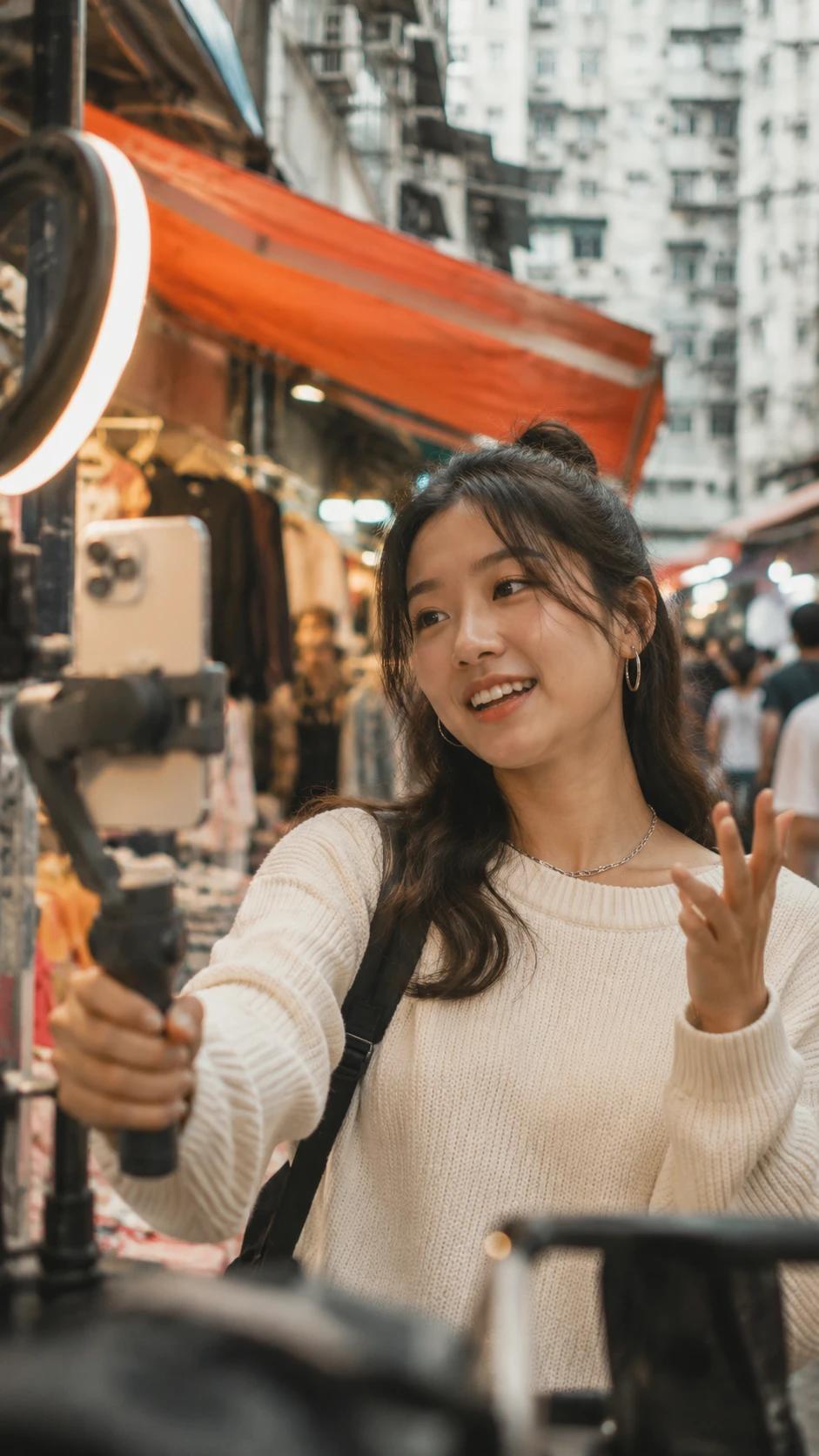
V1 · UGC
Short, personal-feeling videos filmed by creators from KoLink's creator community in their own voice and setting. When the brief suits it, we can also generate the video with AI instead.
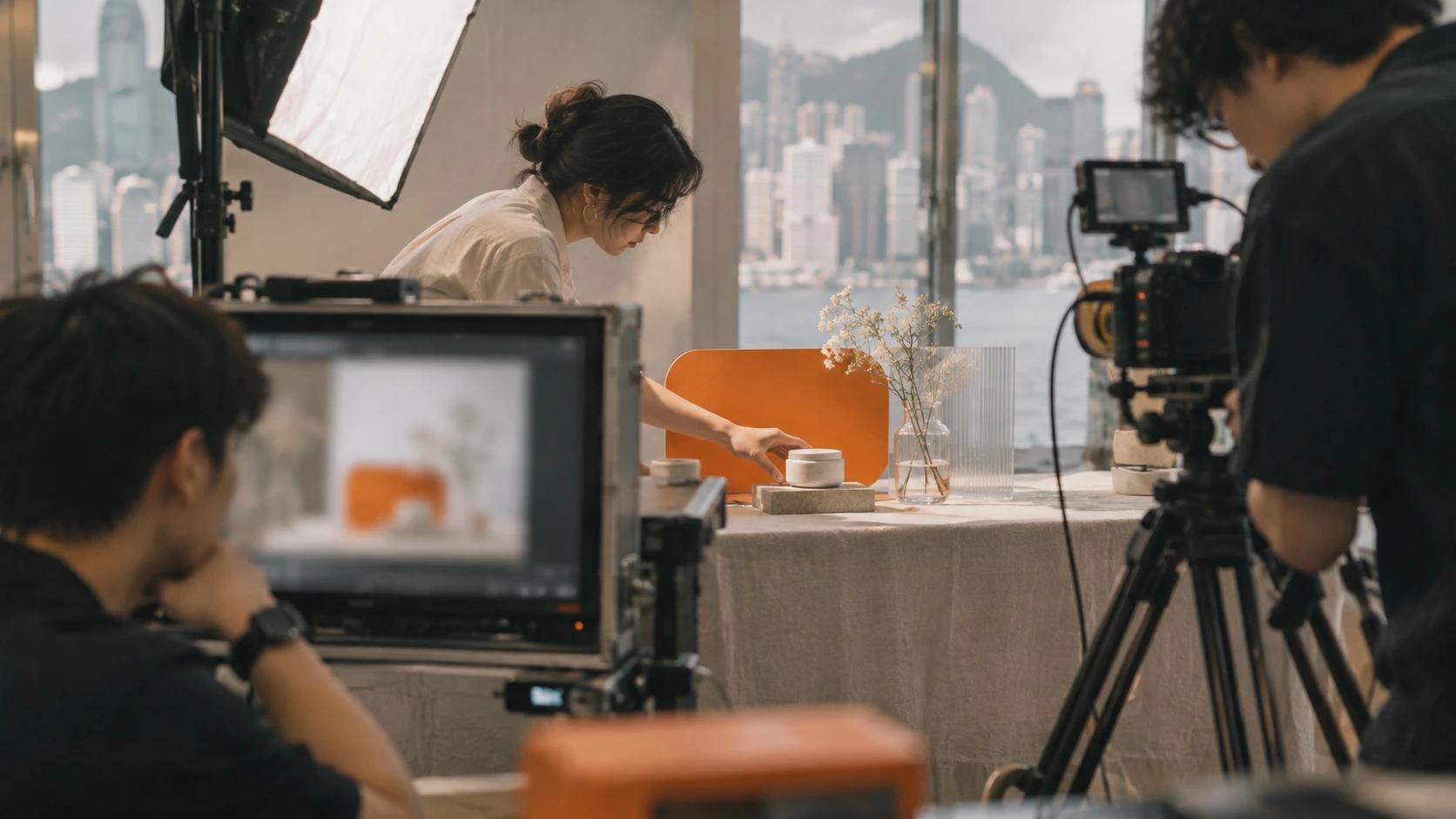
V2 · Produced
When the idea needs a set, a crew and a script. We take it from concept and script through the shoot to the edit, colour and sound, with one producer from start to finish.
M1 · Motion
Titles, reel intros, animated text and product motion. The layer that turns footage into something with rhythm, and makes a message readable with the sound off.
UGC wall
Every video, creator-made or AI-generated, starts with your brief and ends with your approval. Drag the wall, or use the arrows, to look through the reels.
UGC reel 019:16
UGC reel 029:16
UGC reel 039:16
UGC reel 049:16
UGC reel 059:16
UGC reel 069:16
UGC reel 079:16
UGC reel 089:16
We publish your brief to KoLink's creator community. Creators who want to make it apply with their profile and past work.
You see who applied and pick the creators who fit your brand. No one films until you have said yes.
Every video comes back to you first. Ask for changes, approve it, and only then is it delivered or published.
Motion design
The same words land differently at different speeds. We design the curve, not just the keyframes: how a title arrives, how long it holds and how it leaves.
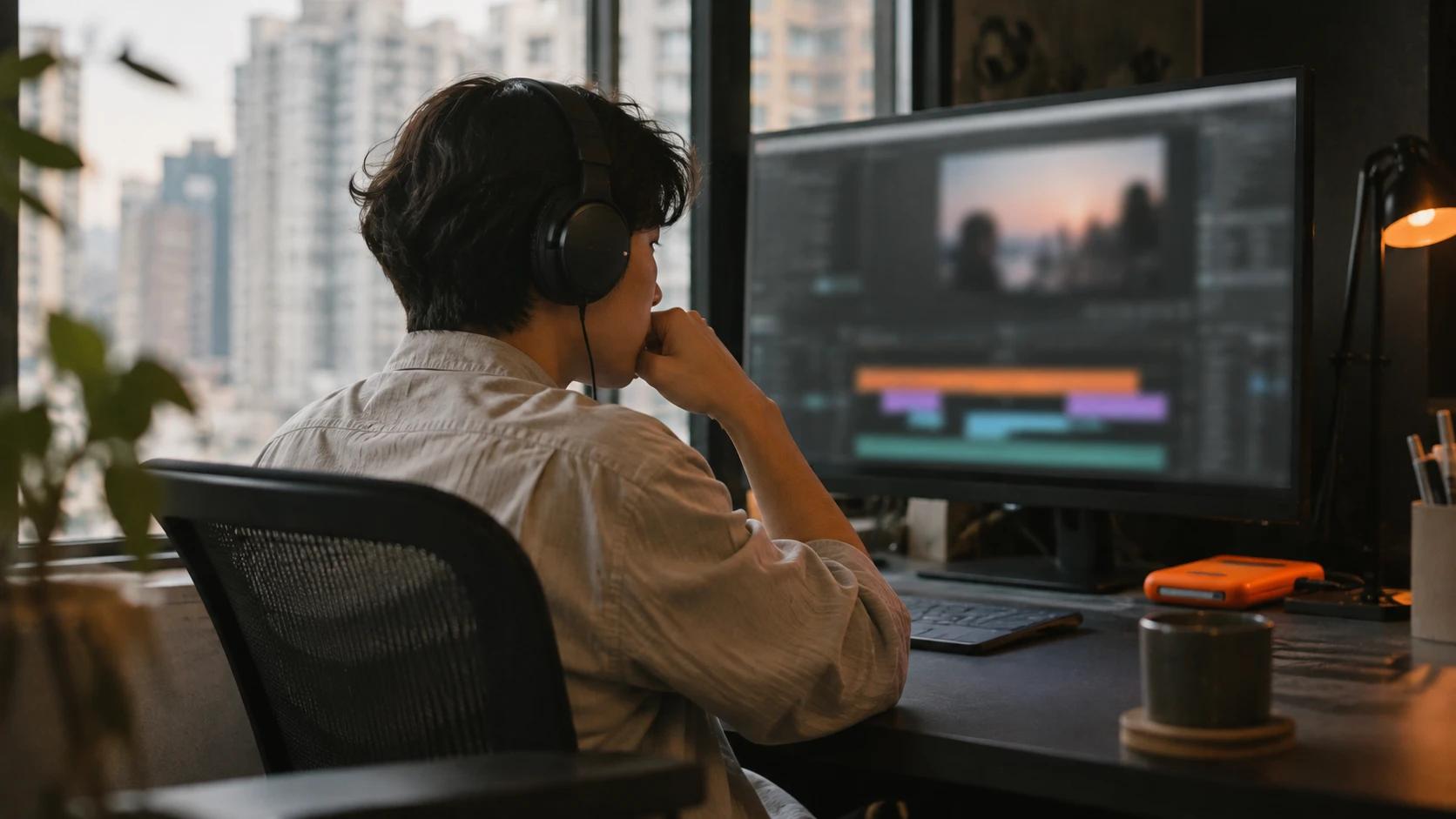
Pick a curve and watch the same word move with it.
cubic-bezier(0.16,1,0.3,1)
One idea, every format
We plan the frame for every crop before the shoot, so the subject, the titles and the captions sit inside the safe area in every version.
Used for
How it's made
Every project follows the same order. You see the plan before anything is filmed and the cut before anything goes out.
What you are launching, who it is for, where it will run and what it must say. We turn it into a one-page brief you sign off.
Hooks, storylines and scripts or talking points, with a storyboard for produced pieces and a shot list for creators.
Creators apply and you choose who films, or we generate the video with AI. For produced video we plan locations, cast and crew, then shoot.
Selects, edit, colour and sound, then titles, animated text and captions designed for each platform.
You review the cuts with comments on the exact moment. We revise until it is right.
Masters, platform versions, caption files and covers, named and organised so your team can use them straight away.
What you get
What is delivered is agreed in the brief. A typical project includes these.
The full-quality final cut of each piece, for archive and for any version you need later.
Versions reframed and timed for Reels, Shorts, Stories, feeds and YouTube.
Subtitles in English or Traditional Chinese, burned in or as separate caption files.
Cover frames and thumbnails designed to sit with the rest of your feed.
Optional
You can also run a creator campaign on KoLink UGC, where creators apply to post about your brand on their own accounts. It uses the same review-before-publish approach. Reach depends on the creators and the platforms; we do not promise views.
More services
All servicesServices
Websites, web apps, and iOS and Android apps, designed, built and supported by one team.
View serviceServices
AI assistants, workflow automation and custom models, connected to your own data and tested before they go live.
View serviceFAQ
Either creators from KoLink's creator community, who apply to your brief and are chosen by you before anyone films, or AI, where we generate the video from your brief. Many projects use both.
Yes. Every video comes back to you for review first. You can ask for changes, and nothing is delivered as final or published until you approve it.
UGC-style video is filmed by creators in their own style and setting, or generated with AI, so it feels like a personal recommendation. Produced video is planned, scripted and shot with a crew for full control over the look. Many projects combine both.
Titles, reel intros, animated text, captions with motion, end cards and product motion. It can be added to creator-made, AI-generated or produced video, or stand on its own.
Whatever the brief needs, usually vertical 9:16 for Reels, Shorts and Stories, 4:5 and 1:1 for feeds, and 16:9 for YouTube and your website, plus the master files.
Yes. We deliver captions in English or Traditional Chinese, either burned into the video or as separate caption files.
Send us a short note through the contact form with what you are making and where it will run. We will reply with questions and a proposed plan.
Contact
Tell us what you want to grow. We reply within one business day.